
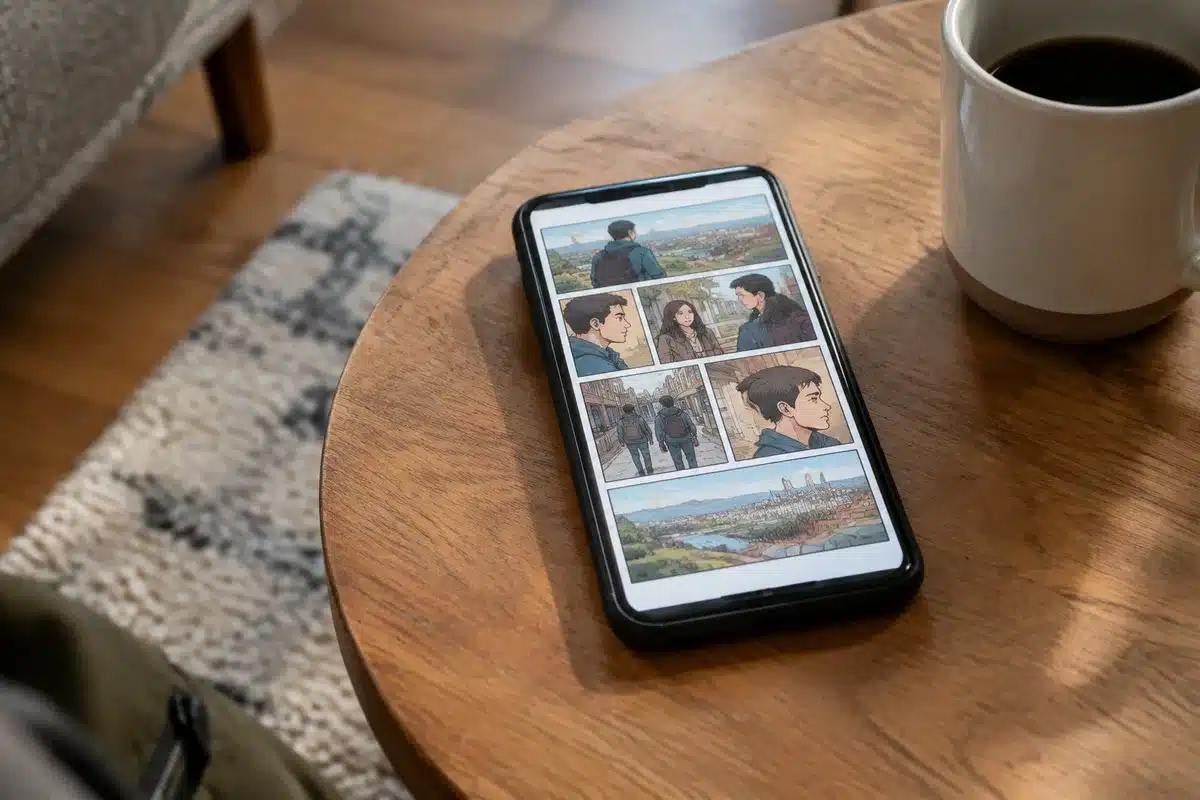
MakeUseOf published a how-to called “I turned a spare phone into a distraction-free comic reader for $0,” showing how a spare handset can be repurposed as a dedicated comic reader at no cost.
The MakeUseOf item (title and summary in the site feed) describes using an old phone as a single-purpose device to read comics without the usual interruptions of a daily smartphone. The article frames the project as a DIY way to keep comics on a compact, hand-held screen while avoiding apps, social alerts, and other distractions.
Technically, creators use Android features commonly called screen pinning or kiosk-style setups to lock a device to one app and hide system controls and notifications. Azoft’s guide to Android kiosk mode explains that Android introduced a Screen pinning API in Android 5.0 that “pins” the screen and prevents users from leaving the selected application, which keeps users from accessing the home screen, status bar, or other apps.
That combination—running a lightweight comic-reader app or a saved CBZ/CBR file on the phone and then locking the device to that app—lets the handset behave like a distraction-free reader. The MakeUseOf piece frames the setup as costing $0 when you already have the spare phone and free reader software or local comic files.
Repurposing an old phone this way keeps comics off your main device and can reduce screen-time friction: the phone boots into the single reader app and does not present notifications or quick-access menus that normally derail a reading session. For readers wanting recommendations on titles and entry points into comics, related coverage on the site includes a primer for new readers and local comic events that can steer what to load onto the device.
If you try this, the basic steps the MakeUseOf guide and kiosk-mode explainers suggest are: install or load your comics onto the spare phone, open them in a reader app that supports full-screen or guided panel view, and then enable screen-pinning / kiosk restrictions so the device stays on the reader app.
Sources
- Google News / MakeUseOf feed — provided the article title and summary showing the DIY project to turn a spare phone into a distraction-free comic reader.
- Azoft — explains Android’s Screen pinning API (since Android 5.0) and how kiosk setups lock a device to a single app and block system UI and notifications.
⭐ Follow us on Google — Get our new articles in your Google feed.
Similar Posts
- ACME Comics holds Trick-or-Read Free Comic Book Day in Sioux City
- All American series finale: how to stream it free on The CW app
- Acme and StarFighter gave away comic books and candy in Sioux City on Oct. 31
- Amazon’s bestselling kids tablet: why shoppers keep hunting its deals
- 10 Best Far Side Comics Featuring Spiders, Ranked

Hello, I’m Beckett. I cover series and show news for you to make your evenings more captivating.